
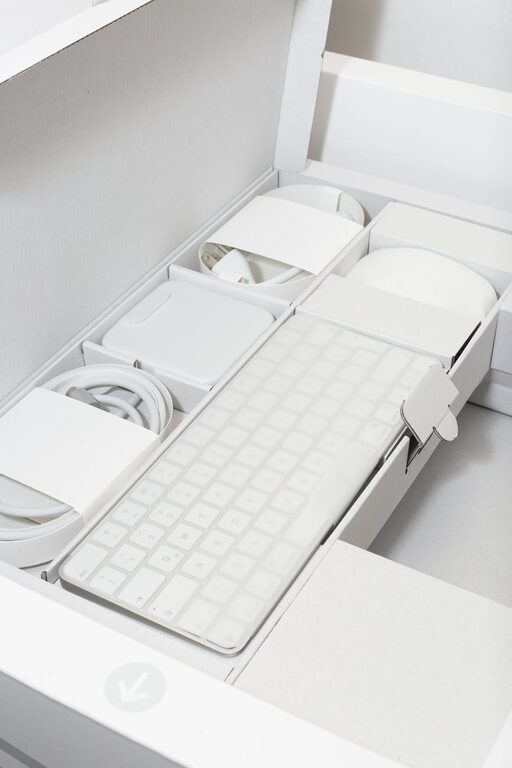
Setting up a dedicated charging station for your devices can help you keep your space clutter-free while ensuring all your gadgets stay powered and ready to use. Whether you have smartphones, tablets, smartwatches, or wireless headphones, a well-organized charging station can simplify your daily routine. In this post, we’ll guide you through everything you need to know to set up your own charging station at home.
Why Set Up a Charging Station?
Before diving into the setup process, it’s helpful to understand why a charging station is a great addition to your home:
– Reduces clutter: No more tangled cables or multiple chargers spread around.
– Saves time: Quickly find and charge all devices in one spot.
– Protects devices: Keeps gadgets off furniture surfaces, reducing the risk of damage.
– Improves organization: Helps track which devices need charging or are fully charged.
Now, let’s get started with the setup.
Step 1: Choose the Right Location
Selecting the perfect spot is key to a successful charging station.
– Accessibility: Pick a place that is easy to reach daily, such as a living room side table, kitchen counter, or bedroom nightstand.
– Power source: Ensure there is an electrical outlet nearby with enough plugs or use a power strip.
– Ventilation: Avoid enclosed spaces to prevent devices from overheating while charging.
– Safety: Keep the station away from water sources and out of direct sunlight.
Step 2: Select a Charging Hub or Organizer
Choosing the right type of charging device or organizer depends on the number and types of gadgets you own.
Charging Options
– Multi-port USB chargers: These chargers have multiple USB ports, allowing several devices to charge simultaneously and reduce wall clutter.
– Wireless charging pads: Perfect for devices that support Qi wireless charging, such as newer smartphones and earbuds.
– Charging docks: Customized docks often stand upright and can hold phones or tablets neatly while charging, preventing cables from tangling.
– Power strips with USB ports: These combine traditional electrical outlets and USB ports for maximum flexibility.
Organizers and Accessories
– Cable organizers: Use clips, sleeves, or boxes to keep cords separated and untangled.
– Device stands: Hold phones or tablets upright during charging for easy viewing.
– Storage bins or trays: Keep smaller items like earbuds, chargers, and adapters in one place.
Step 3: Gather Your Supplies
Once you choose your setup style, assemble what you need:
– Multi-port charger or wireless pad
– USB cables compatible with your devices
– Power strip (if necessary)
– Cable management tools (ties, clips)
– Storage bins or trays
– Label stickers (optional) for easy identification
Step 4: Set It Up and Manage Cables
With your supplies ready, follow these steps:
- **Place the charging hub or power strip** where you decided earlier.
- **Connect the power strip to the outlet** if you’re using one.
- **Plug your multi-port charger** into the power strip or outlet.
- **Attach your charging cables** to the appropriate ports.
- **Organize the cables** using ties or clips to keep them neat and untangled.
- **Arrange the devices** on stands or trays as needed.
- **Label each cable or port** if you want to quickly identify which charger belongs to which device.
Step 5: Maintain Your Charging Station
Keep your station tidy and functional with these tips:
– Regularly clean dust and debris.
– Check cables for wear and replace damaged ones.
– Unplug chargers when not in use to save energy.
– Update your chargers and cables as you add new devices.
– Avoid overloading the power strip to prevent hazards.
Additional Tips for a Smooth Charging Experience
– Use fast chargers compatible with your devices to reduce charging time.
– Keep devices within reach but safe to avoid accidents.
– Consider portable power banks if you need charging on the go.
– If multiple people share the station, designate spots for their devices to avoid mix-ups.
Conclusion
Setting up a dedicated charging station is a smart way to keep your gadgets organized, powered, and easy to find. With just a bit of planning and the right equipment, you’ll create a streamlined space that simplifies your daily device charging routine. Try these steps, and enjoy a clutter-free and efficient charging area in your home!
